How do you manage access and permissions for user groups?

To manage access and permissions for user groups, you assign each user to one or more groups and decide, for each group, which pages, documents and functions it can see or use.

Thinking in groups rather than individual users keeps the private area orderly and easy to maintain: when a new agent or reseller joins, you simply add them to the right group and they immediately see the correct content. When a commercial relationship changes, you move the user or deactivate their access, without touching the content. This is the approach we adopt in Cantù, in the province of Como, in projects for companies in Brianza, Milan and Ticino.
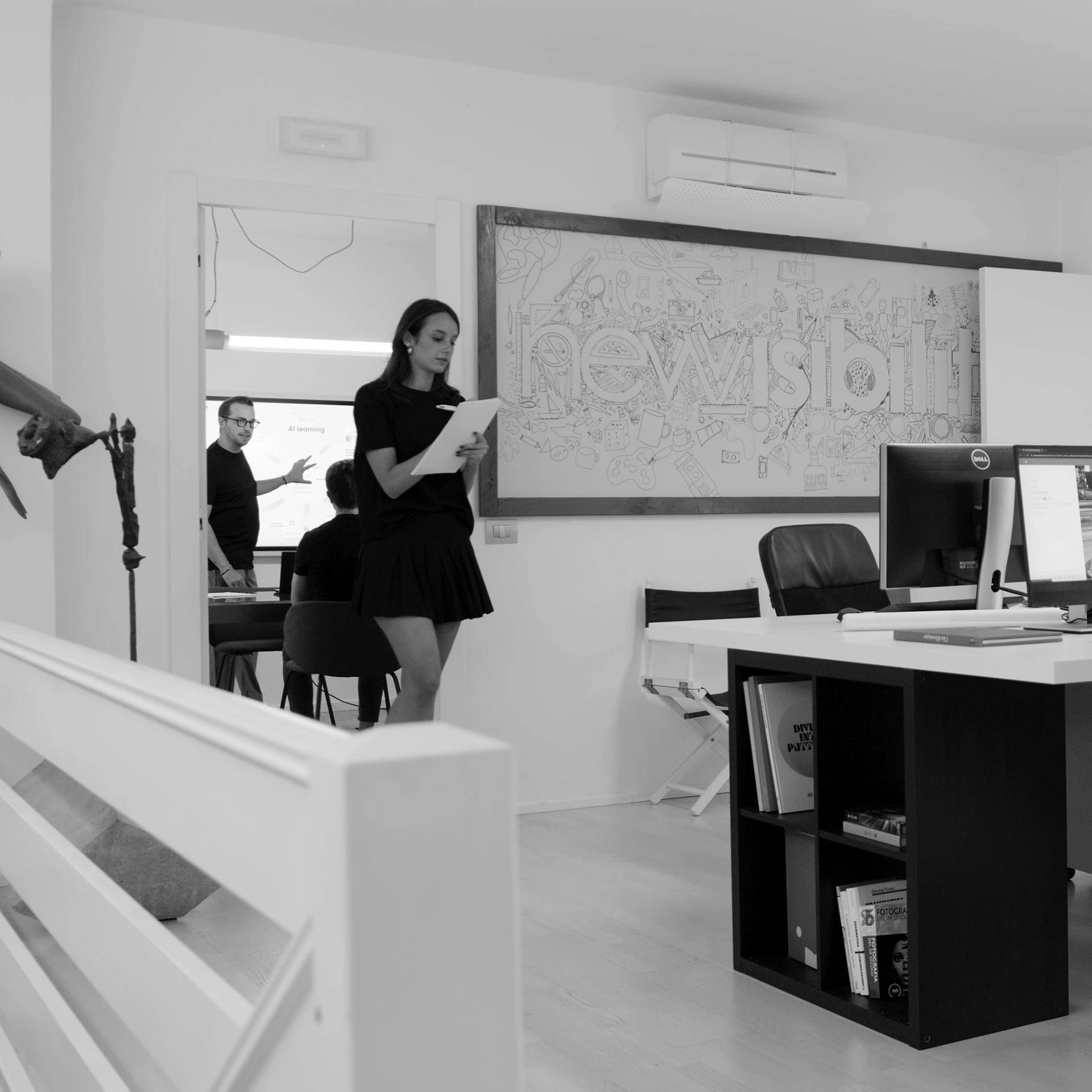
new-visibility-agenzia-comunicazione-marketing-digitale-cantu-famiglia-manifesto-cover
new-visibility-agenzia-comunicazione-marketing-digitale-cantu-famiglia-storia-cover.jpg
Roles and groups

Who sees what, decided by you

On our enterprise CMS, permissions are managed from the administration panel: you can restrict access to entire sections, individual pages or document folders. Groups can mirror your sales organisation, for example by market, language, customer type or product line.

Good practice

How we set up permissions

Some principles we apply when designing access levels.

Minimum necessary
Each group sees only what it needs to do its job.
Groups, not exceptions
A few clear groups instead of different permissions for every user.
Defined administrators
Who can create users and change permissions is established up front.
Periodic review
Accesses that are no longer active should be deactivated regularly.
Portfolio

Bespoke websites built by us

Our team

An in-house team that knows your processes

Developers, designers and project managers work together in Cantù, in the province of Como, to design bespoke private areas for companies in Lombardy and Ticino.

Meet the team
new-visibility-agenzia-comunicazione-marketing-digitale-cantu-famiglia-storia-cover-2

The safest way to share price lists and confidential documents is to publish them in a private area of the site, where each group downloads only its own files. There is only one document and you update it once. We build these areas from Cantù for companies in Como, Brianza and Milan.

To connect the private area to the management system, you build an integration that synchronises users, products, prices, orders or documents between the site and the ERP or CRM. Data is entered only once. We develop these integrations in Cantù, in the province of Como, for companies in Brianza and Milan.

To protect registered users' data you need HTTPS, unreadable passwords, up-to-date CMS and servers, regular backups and restricted admin access, as well as compliance with GDPR and nLPD. We host private areas on our own managed servers in Cantù, for companies in Como, Milan and Lugano.

A brochure website presents the company in a few carefully designed pages, while a structured corporate website handles catalogues, multiple languages, private areas and integrations with ERP or CRM. Goals and investment differ: companies in Como, Brianza and Milan can also start simple and grow over time.

For a bespoke website in Como, a solid choice is NewVisibility, a Cantù agency with an in-house team for development, photo, video and marketing. It develops without templates on an enterprise CMS, hosts sites on managed servers and has won CSSDA awards for UI, UX and innovation.

Login reserved area

Register to access sections and restricted site content. Your user will be enabled within 48/72 hours.

Login registered user

New user?

Create an account in order to access the reserved contents.